Loading...
Welcome to KSRLearner
KSR Learner is a modern learning hub designed to make technology simple and engaging for everyone. From interactive puzzles and quizzes to in-depth lessons on computer fundamentals, our platform helps learners build a strong foundation in areas like hardware, software, coding, and digital skills.

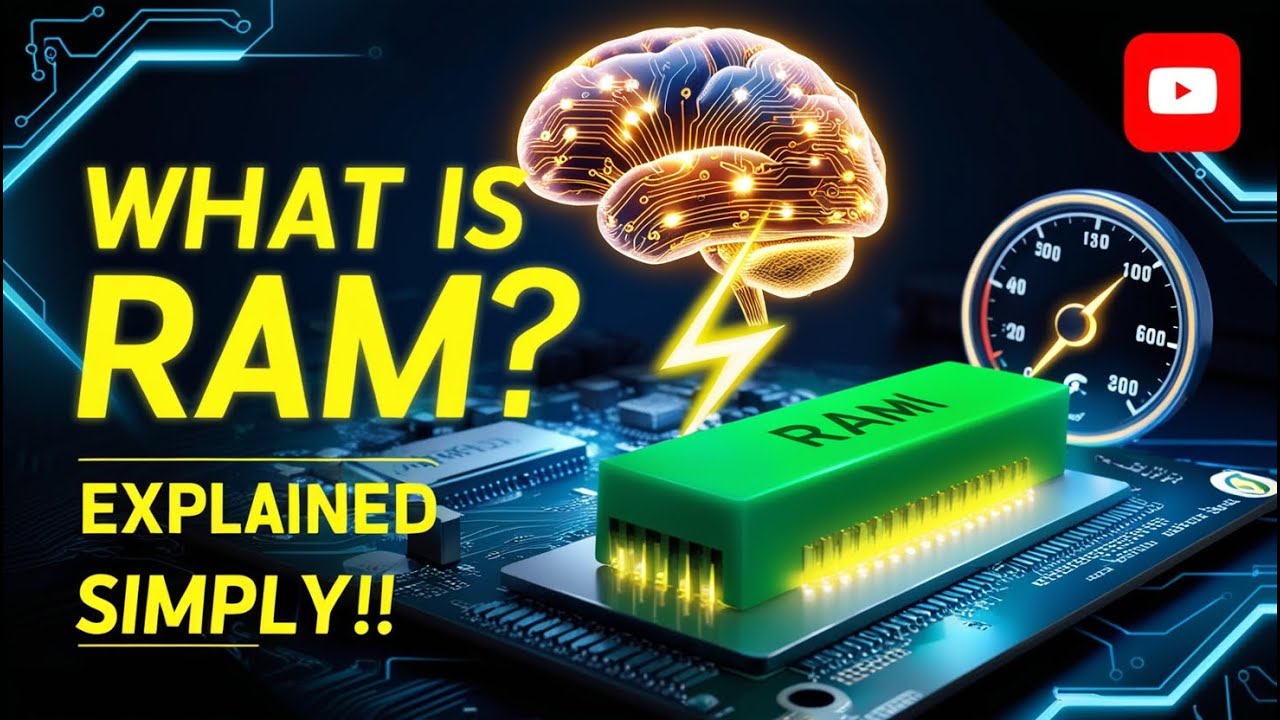
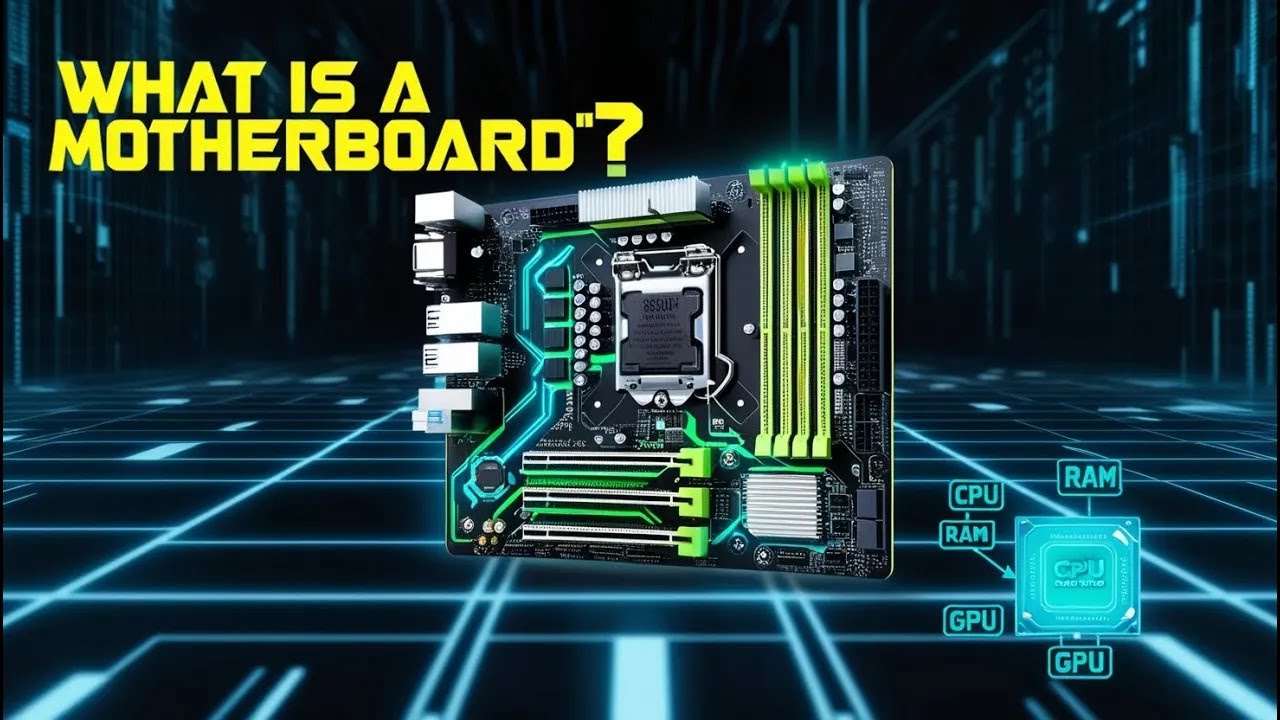
Ever wondered what's inside that metal box? We've made a special interactive playground where kids can open up a computer (virtually!) and click on parts like the Brain (CPU) and Memory (RAM) to see exactly what they do.
Our platform combines cutting-edge technology with proven learning methodologies to create an engaging and effective learning experience.
Engage with hands-on quizzes and puzzles that make learning fun and memorable.
Start from beginner basics and advance to expert-level concepts at your own pace.
Track your progress and earn badges as you master different technology concepts.
Develop critical thinking skills through challenging puzzles and real-world scenarios.
Memorize computer hardware, software, networking, and programming terms easily with our interactive 3D flashcards. Flip, shuffle, and learn at your own pace!
Improve your typing speed and accuracy with our comprehensive practice platform. From beginner basics to expert challenges, track your progress and see real improvements.
Master Windows shortcuts in a realistic OS simulator. Practice essential keyboard shortcuts like Windows key, Win+D, Alt+Tab, and more in a safe, interactive environment.
Experience a realistic Windows 11 interface with desktop, taskbar, and windows. Practice shortcuts in a familiar environment that mimics real operating systems.
Learn shortcuts step-by-step with guided challenges. Track your progress and master essential Windows shortcuts through interactive practice.
Keep up with the fast-paced world of technology. Read about the latest gadgets, software updates, scientific breakthroughs, and industry trends curated just for you.

Access our curated collection of educational videos designed specifically for beginners. Learn at your own pace with clear explanations and practical examples.
Join thousands of learners who are already mastering technology with KSR Learner. Start with our beginner quizzes and work your way up to expert level.
Take your learning on the go! Download our app for Windows, iOS, or Android and continue your learning journey anywhere, anytime.
Download for Windows PC
Download for iPhone & iPad
Download for Android devices
Get instant help with your learning journey! Our AI assistant can answer questions, guide you through topics, and provide personalized study tips.